Save articles, images, screenshots, highlights, summaries and notes.Anything you want to read, remember or reference later.
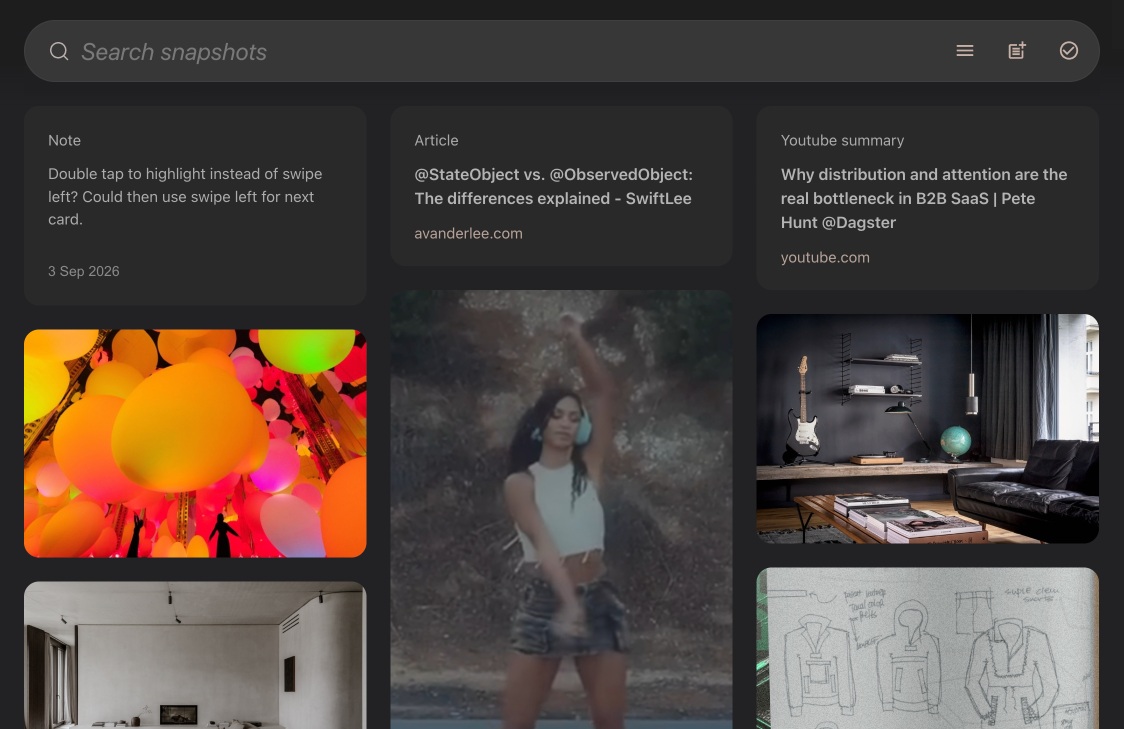
Save articles
to read later
- Save articles with one click.
- Ads and distractions are removed for a clean reading experience.
- Read, highlight or edit articles offline.
- Copy and download the full article or only your highlights and notes.
- Your own article copy even if the original article is removed.
Save images
and screenshots
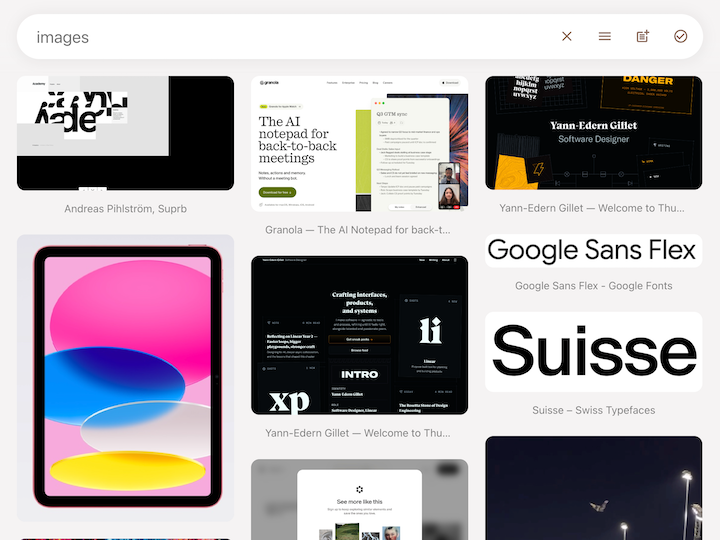
- Images and screenshots are automatically tagged for recall and connection.
- Text in images and screenshots is automatically extracted and searchable.
- Automatic screenshot area detection for easy screenshots or select a custom area.
- Images and screenshots link back to the original web page.
Web highlights
- Save web highlights to reference later.
- Highlights preserve formatting like links, lists and tables.
- Read, copy, download or edit highlights offline.
- Copy highlights to other software and Ai tools.
- Highlights link back to the original web page.
YouTube highlights
- Highlight youtube transcripts while video plays.
- Saved highlights are searchable and can be viewed, edited, copied or downloaded offline.
- Highlights link back to original video.
Save time with
YouTube summaries
- Summarise YouTube video key points.
- Read, highlight, copy, download or edit summaries offline.
- Copy or download original transcripts.
- Summaries link back to the original video.
Automatic tagging helps you find and connect.
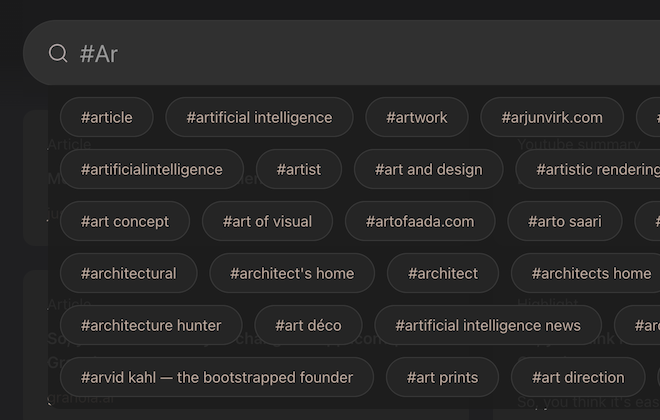
Notes
- Compose notes from snapshots.
- Focus your thoughts a sentence or paragraph at a time with focus mode.
- Use your notes anywhere with html, markdown and plain text export.
Collections
- Use collections to group snapshots by project or workflow.
- Share collections with others.
- Download collections for Ai tools.
View on any device
- Install snapshot web app on any device.
- Search, view and edit snapshots offline.
Snapshot is currently available as an early release for testing and feedback.
Sign up for free, no credit card required.
Snapshot browser extension
Save web bookmarks, articles, images, highlights and screenshots.
For Chrome, Edge, Brave and other Chromium based browsers.
For MacOS, iOS and iPadOS.